Cookies help us deliver the best experience on our website. By clicking Accept you are agreeing to the placement and use of cookies as described in our privacy policy.
Shop All
About
Contact Us
--
Day
--
Hrs
--
Min
--
Sec
How to Order yCubes in the Gardyn App
Grow What You Love. Order Your yCubes Through the Gardyn App
In just a few taps, you’ll be able to easily replenish your Gardyn and grow what you love. Follow these simple steps to place an order.
1. Update your Gardyn app
The order feature is available in the latest version of the Gardyn app for iOS and Android. Please update the app to enable the yCube order feature.
2. Access the order menu
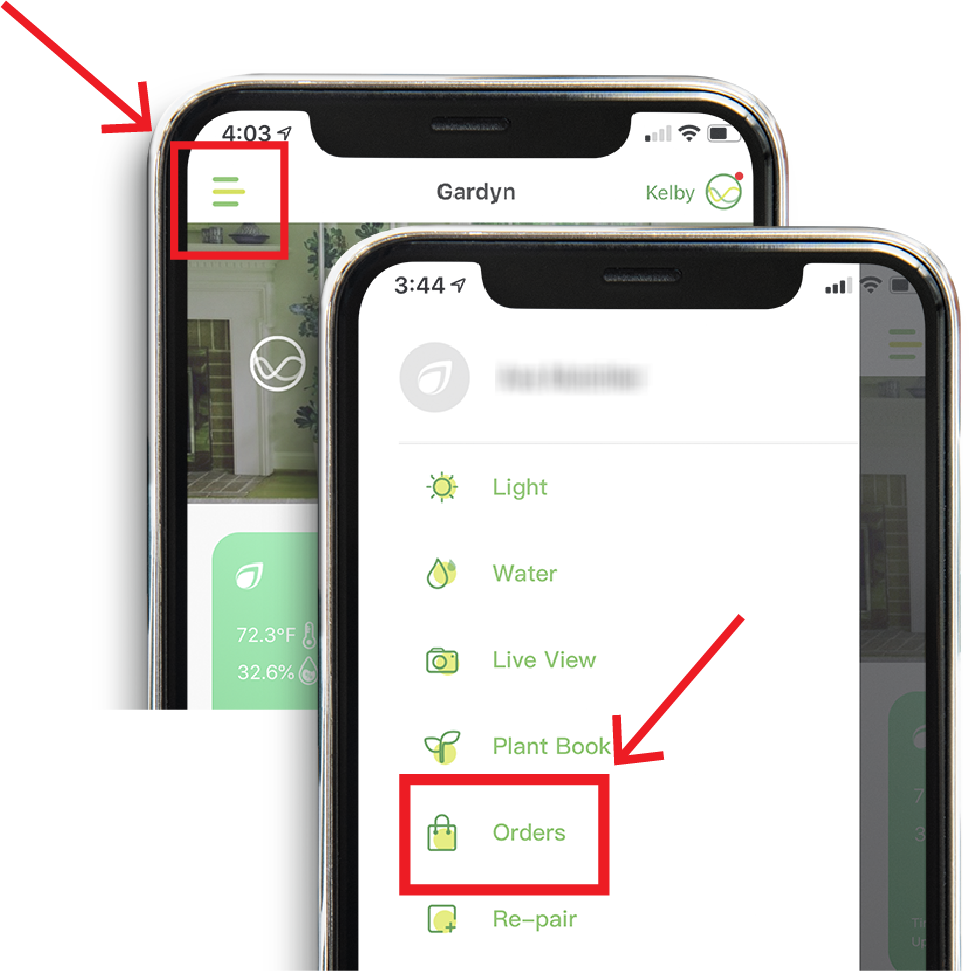
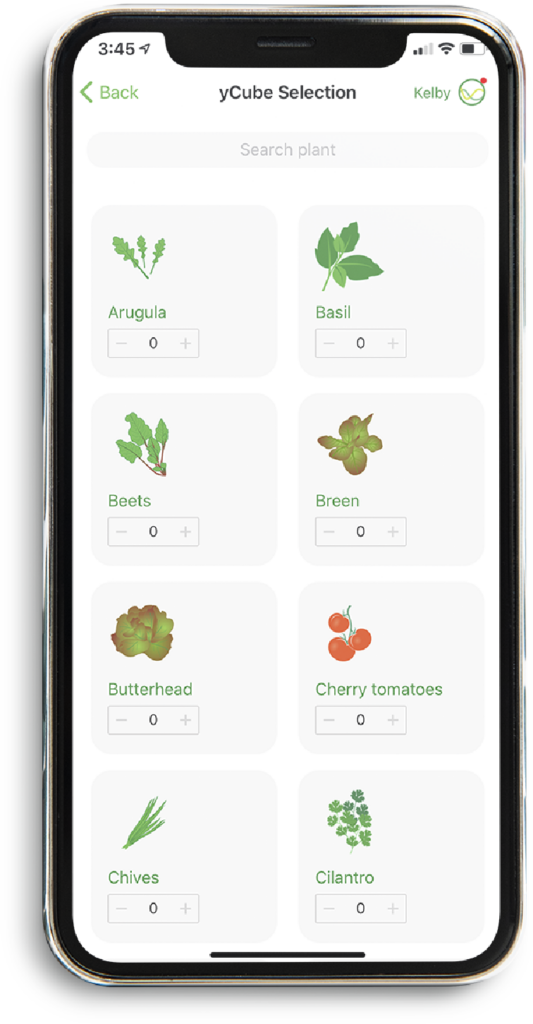
Open the Gardyn app and hit the menu icon on the top left of the home screen. From the side menu, tap orders. Then hit the green button, “Order yCubes.”
3. Place your yCube order
If you already purchased a Gardyn membership, you can order 10 items of your choice at no extra cost. If you would like more than 10, no problem! Each additional yCube starts at just $1.99. Non-members can purchase their yCubes a la carte starting at $4.99 per plant. Once you are done choosing your next harvest, hit GO TO CART. You can then review your order and checkout. Your order will ship out within 2 business days and as always, shipping is on us!
Your Cart
-
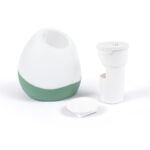 Gardyn Vase - Sage Green$49.99
 -
 16 × HydroBoost$49.99
 -
 4 × Gardyn Sprout Nursery$79.99
 -
 Gardyn Cap
- Cap Colors:
Red Amaranth
- Cap Packs:
5 Pack
$29.99 -
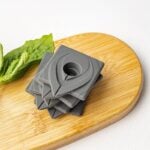 yCovers - GREY, Pack of 5$19.99
 -
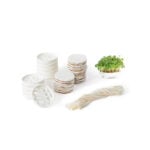 Microgreens Large Grow PackFree
 -
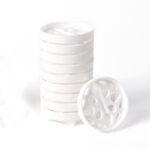 Microgreen Grow Plates - Pack of 10$49.99
 -
 Gardyn Trellis - 3 Pack$49.99
 -
 yCovers - WHITE, Pack of 5$19.99
 -
 6 × Gardyn Plant Food$19.99
 -
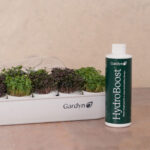 Essentials Accessory Bundle$129.98
 -
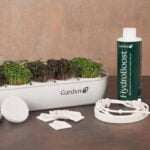 Complete Accessory Bundle$269.94
 -
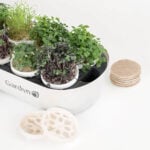 Microgreens Complete Kit (includes Sprout Nursery)$99.99
 -
 Home 3 Metal Rod$14.99
Estimated total: $2,029.57
Starting at
/mo
$
Pay over time with

or